Can I change the song or the album name in Samsung Music?
Samsung Music gives you the ability to customise your content by renaming songs or albums to your liking.
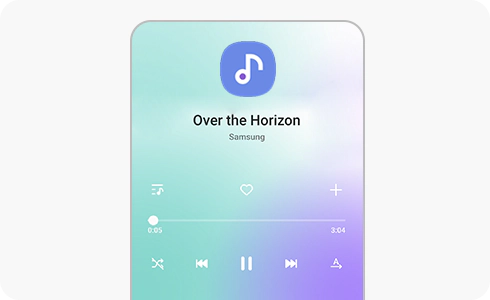
If you want to change the song or album name, just follow these steps:
You can also change the album image through the “Change cover image” option in the more menu of the album details page.
Please note: Adding lyrics is not supported. For some songs, information and cover image modification may not be supported.
Thank you for your feedback!
Please answer all questions.
*Operates as a price discount: Pre-order the Galaxy S26 Ultra larger storage variant (512GB) by 10.03.26 and pay the future price of the Galaxy S26 Ultra smaller storage variant (256GB). Pre-order the Galaxy S26+ larger storage variant (512GB) by 10.03.26 and pay the same price as the Galaxy S26+ smaller storage variant (256GB). Pre-order the Galaxy S26 larger storage variant (512GB) by 10.03.26 and pay the future price of the Galaxy S26 smaller storage variant (256GB).