How to check and update the Gaming Hub version
To keep the Gaming Hub app at its best performance and working properly, it should be periodically updated. Ensure that you are always running the latest Gaming Hub version.
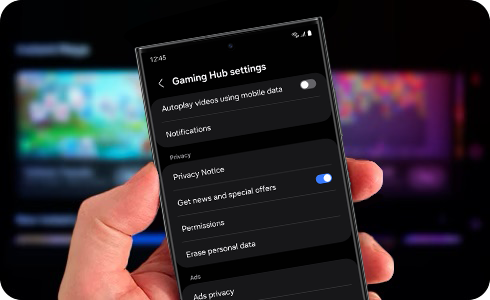
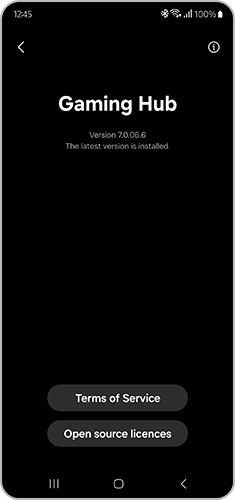
You can check and update the version of Gaming Hub through the “About Gaming Hub” option. To do this, please take the following steps.
※ If your Gaming Hub version is lower than 7.0, the "More" menu is located at the bottom right corner of the Gaming Hub home screen.
Thank you for your feedback!
Please answer all questions.
*Operates as a price discount: Pre-order the Galaxy S26 Ultra larger storage variant (512GB) by 10.03.26 and pay the future price of the Galaxy S26 Ultra smaller storage variant (256GB). Pre-order the Galaxy S26+ larger storage variant (512GB) by 10.03.26 and pay the same price as the Galaxy S26+ smaller storage variant (256GB). Pre-order the Galaxy S26 larger storage variant (512GB) by 10.03.26 and pay the future price of the Galaxy S26 smaller storage variant (256GB).